Category: WordPress

  • Binned Particle System

    Binned Particle System


    Screen captures of a fast particle system with interaction. There are anywhere from 2k to 128k particles on screen at a given moment, all running in real time.

    Vimeo’s compression almost completely destroys this, I recommend checking out the Windows Code:Blocks project and compiling it yourself: http://code.google.com/p/kyle/source/browse/#svn/trunk/openframeworks/apps/demos/BinnedParticleSystem It’s way faster than downloading the 270 Mb source video 😉

    Inspired by a binning particle system from Zach Lieberman http://www.makingthingsmove.org/blog/?p=251

    Discussion and description of the development on the Open Frameworks forum http://www.openframeworks.cc/forum/viewtopic.php?f=12&t=2860

    More images on Flickr http://www.flickr.com/search/?q=particle%20system&w=28622838%40N00

  • WordPress Developer in Mumbai

    WordPress Developer in Mumbai


    Our Asia-based servers make all the difference! Now give your clients a better image of your company by sending them personalized company emails, which may get you some more new business. Get more info:- https://gfxbandits.com/portfolio.php

  • Alessio Rocchi – Automate PHP environment deploy with Vagrant – phpDay 2016

    Alessio Rocchi – Automate PHP environment deploy with Vagrant – phpDay 2016


    If you manage virtual machines on a daily basis, Vagrant might be a powerful tool that makes your work more agile and easier.
    Vagrant is a tool which automates all the configuration tasks required to your web applications: this way, you can focus on developing and distributing your app, with no concern for environment configuration.
    In this talk we will illustrate how to setup a super fast PHP development box, with everything you may need.

  • Working with MySQL Databases in MAMP

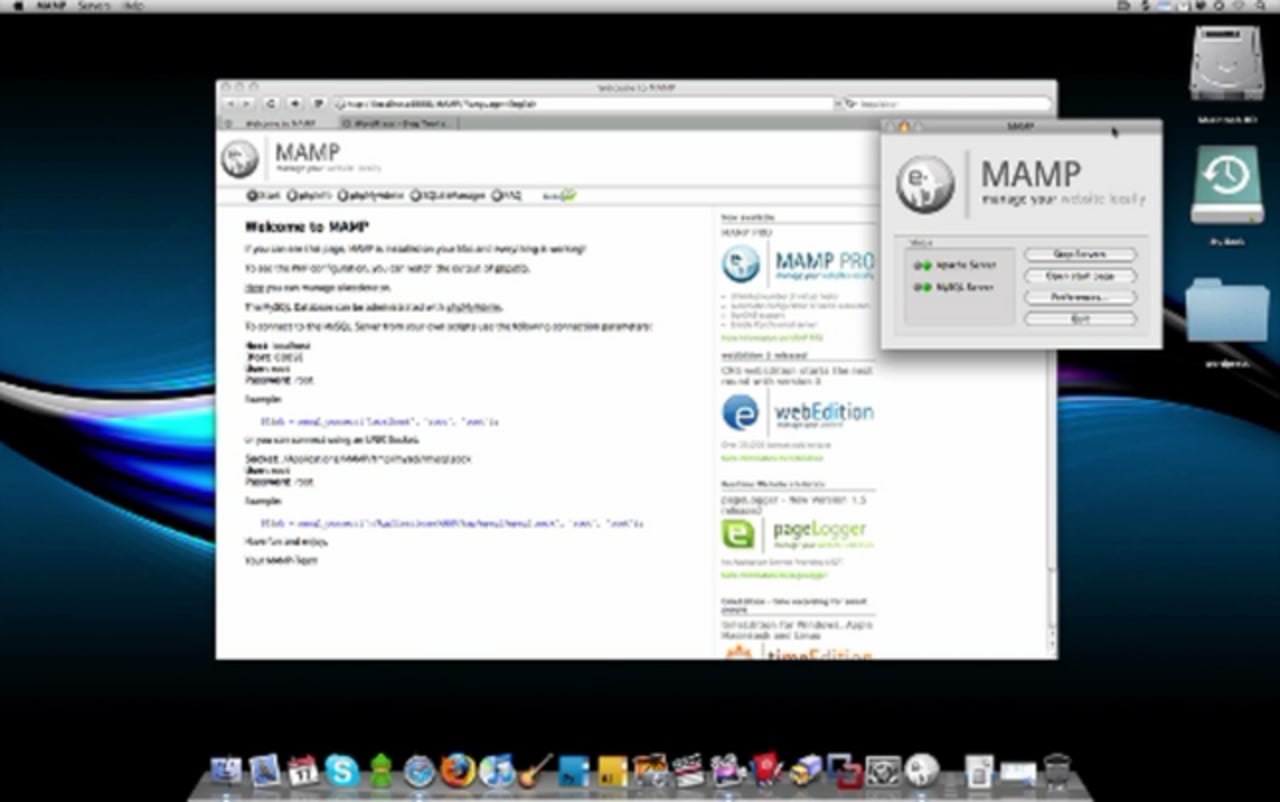
    Working with MySQL Databases in MAMP


    This screencast will go into the specifics of setting up a MySQL database in MAMP and installing a content management system for development locally. WordPress is used in this demonstration, but these methods will work for any PHP-based CMS like Drupal, Joomla, and more.

  • Understand the Structure of CodeIgniter

    Understand the Structure of CodeIgniter


    In this Screencast I attempt to explain the structure and terminology of the CodeIgniter MVC PHP development framework.

  • Agile software development methodology

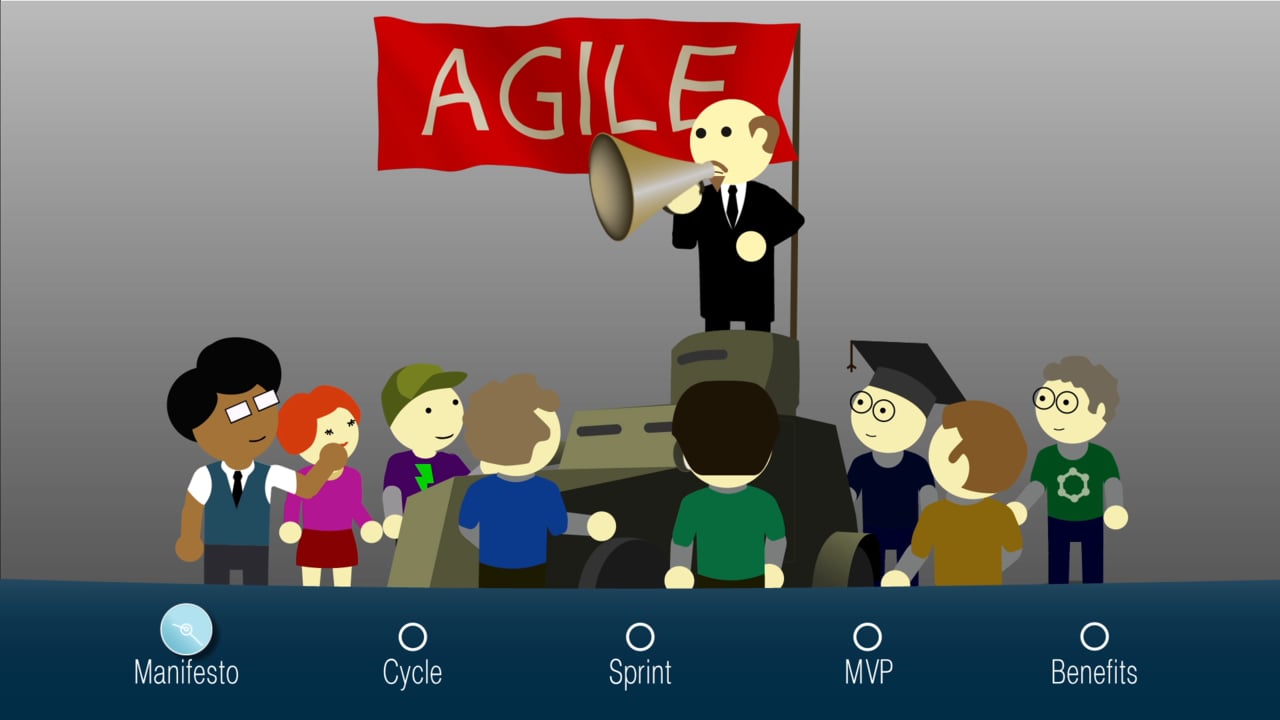
    Agile software development methodology


    This video demonstrates our typical agile software development cycle: kick off, planning, development, testing, demonstration, deployment.

    http://www.edsd.com

    С, CPP, С++, С#, qt, win32, windows, net, com, dcom, 3d, cad, tcp, ip, tcp/ip, API, SDK, IIS, microchip, atmel, SMS, Win32, WinAPI, GDI, GPS, Mobile, CryptoAPI, wap, PHP, Python, IronPython, Ruby, asm, Assembler, fortran, ActionScript, Visual Basic, VB, VBA, VB.NET, VBScript, VBS, BASIC, NET, .NET, WPF, WCF, WF, WinForms, Remoting, CIL, ADO.NET, Silverlight, Mono, Java, Spring, Swing, Struts, Servlets, J2ME, MIDP, J2EE, J2SE, JSP, JSF, SEAM, AWT, EJB3, JTA, JPA, Hibernate, JDBC, JME, JSE, Delphi, pascal, fastreport, VCL, Indy, EhLib, DevExpress, Windows, Linux, FreeBSD, iOS, QNX, ARM, Android, Windows CE, Windows Mobile, Windows Phone 7, Phone7, Symbian, eCos, DOS, XML, XSL, JSON, RSS, SSL, SMTP, POP3, SMPP, XMPP, RS-232, RS232, HTTP, GPS, TLS, DirectX, DirectDraw, Direct3D, OpenGL, OLE, ActiveX, AD, Active Directory, MFC, WTL, STL, WMI, Qt, WinAPI, Win32 API, WinSock, WinInet, WinHTTP, GDI, GTK+, OpenMP, MPI, CryptoAPI, Windows Services, Reporting, ASP, ASP.NET, MVC, LAMP, Zend, Ruby on Rails, RoR, jQuery, jQuery UI, XHTML, HTML, HTML5, RESTful, SOAP, JSON, CSS, RSS, JSPObjective-C, ObjectiveC, Forms, django, ajax, SharePoint Services, TSQL, MS SQL, Access, postgre, MDB, ADO, ODBC, SQL Server, MySQL, Oracle, SQLite, PostgreSQL, Share Point, WordPress, Joomla, Drupal, Amiro, Frog, Kentico, AxCMS, Sitefinity, MODx, Kohana, DotNetNuke, LiveStreet, Apache, Tomcat, MacOS, Symbian, S40, S60, Nokia, Windows CE, Phone 7, iPhone, Айфон, КПК, ipad, ipod, App Store, Market, Android, android developers, game programming, mobile games, iphone games, Android games, game, iphone, SQL, Sybase, Firebird, Interbase, LINQ, web 2.0, bitrix, битрикс, rails, perl, cyberplat, osmp, js, javascript, usability, facebook, fb, twitter, vk, Google Maps, Assist, Paypal, Moneybookers, Yandex, WebMoney, database, tests, identity, design, brand book, graphics, logotype, interface, logo, naming, corporate style, unique, identity, logo, logotype, branding, corporate identity, mascot, character, flash, actionscript, flash site, animation, requirement, requirements, requirements specification, architecture, support, professional, quality, concept, project, development, coding, programming, source code, documenting, documentation, testing, deployment, device, embedded, DOS, eCos, ПО, embedded, scheme, web design, site, cross-browser, web, make-up, web 2.0, valid, internet shop, corporate site, portal creation, CMS, use ability, content, content management

  • Composer – Local Development Setup for Mac

    Composer – Local Development Setup for Mac


    Composer is our dependency manager for PHP. It gives a standardized and globally accepted tool to import different packages into our projects as well as run different tasks. In this episode, you and I will walk through installing Composer. Plus, I’ll show you an example way to configure it in a composer.json file.

    Come do this free setup lab to get your Mac ready for local development: https://knowthecode.io/labs/local-development-environment-setup-mac/composer

  • CoGe 1.0 – Tutorial 4 – Developing a new Player module

    CoGe 1.0 – Tutorial 4 – Developing a new Player module


    Okay, now we will create a new Player module runtime – yes, when CoGe running 🙂

    Warning! A bit QC knowledge needed!

    We have a text file with some words, and no image and movie players plays it. But the media slot shows an icon – because the media slots are Quicklook based. The idea is display the next word on each beat.

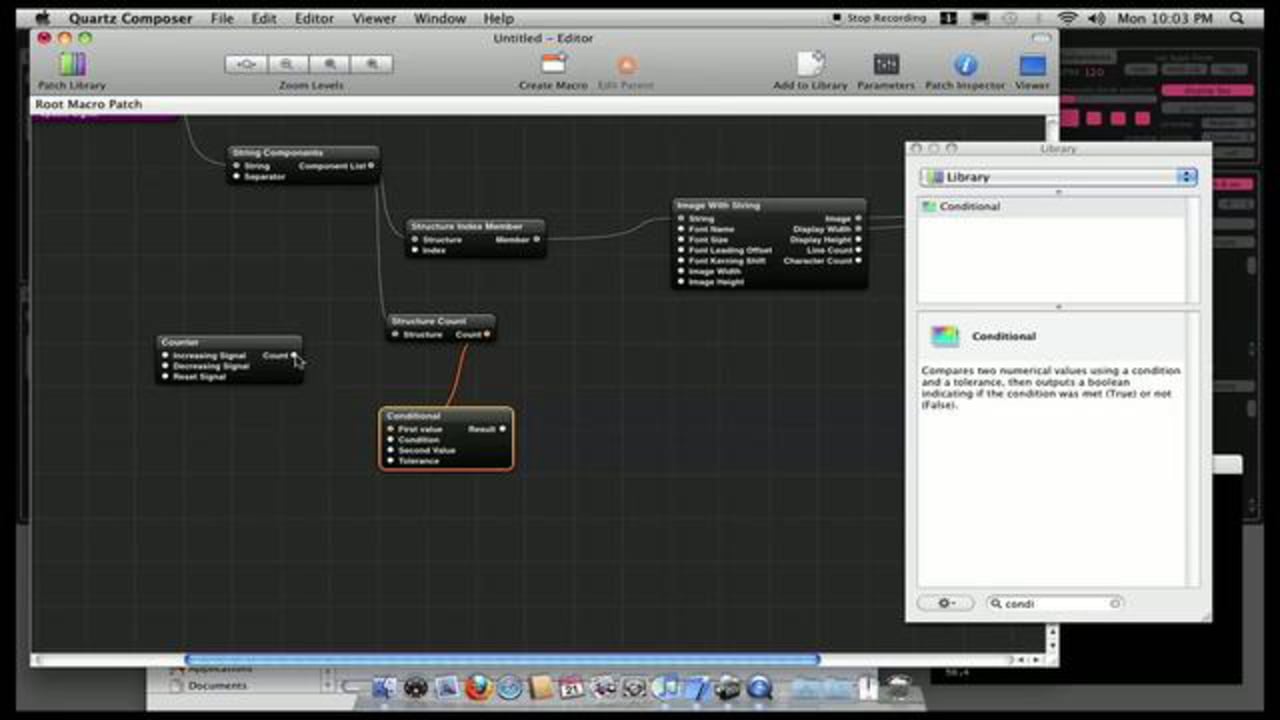
    Now, launch Quartz Composer.
    – use a Clear and a Billboard patch with Image with string for displaying
    – use Kineme’s String with file patch (from Filetools 0.5b) – downloadable for free on www.kineme.net – for loading text to string
    – get the separeted words with a String Compontents patch
    – create a counter based loop: change to the next word index when counter got an increasing signal, and reset when the current index is the last
    – now open the player template from CoGe’s template folder
    – copy the layerFilePath (this will send the currently selected slots file path from CoGe to QC), and the currentBeat (this will send the current beat number from CoGe to QC) input splitters
    – use this splitters for File Input and triggering counter, when value on the input changing
    – now, save the comp: create a new folder inside CoGe’s player folder, and place the file
    – back to CoGe, select the new player, and enjoy 🙂

    It isn’t too hard, isn’t it? 🙂

    The final Player module with some new option (selectable font for example) downloadable from: http://coge.lovqc.hu/forum/viewtopic.php?f=16&t=117

  • K40 home developed as reversal B&W

    K40 home developed as reversal B&W


    just my fifth attempt to develop Kodachrome K40 as reversal , but obviously in B&W because in color is impossible.
    in this film is a halation layer very difficult to remove, so i shoot a stupid time lapse , tired of losing family film…
    I have to get remove these stains, which are due to double bleach…
    I tried to develop K40 and have always had very poor or no picture, this is the first evidence of a change of strategy with double bleaching…so this is for me my test 0.1

    I will try to improve the final appearance
    Whatever it takes, to not to let die this emulsion…

    Camera : Canon 814 XLS
    Film K40 : expired in 1994 and overexposed 1 stop and 1/3

    You can find a brief explanation ( in spanish ) here:
    http://www.super8.es/viewtopic.php?t=5459