In this video, we look at installing and configuring the plugin, as well as adding slides and embedding a slideshow on a post or page.
Check out these cool WordPress plugins! – CodeRevolution.
Tag: slideshow
-
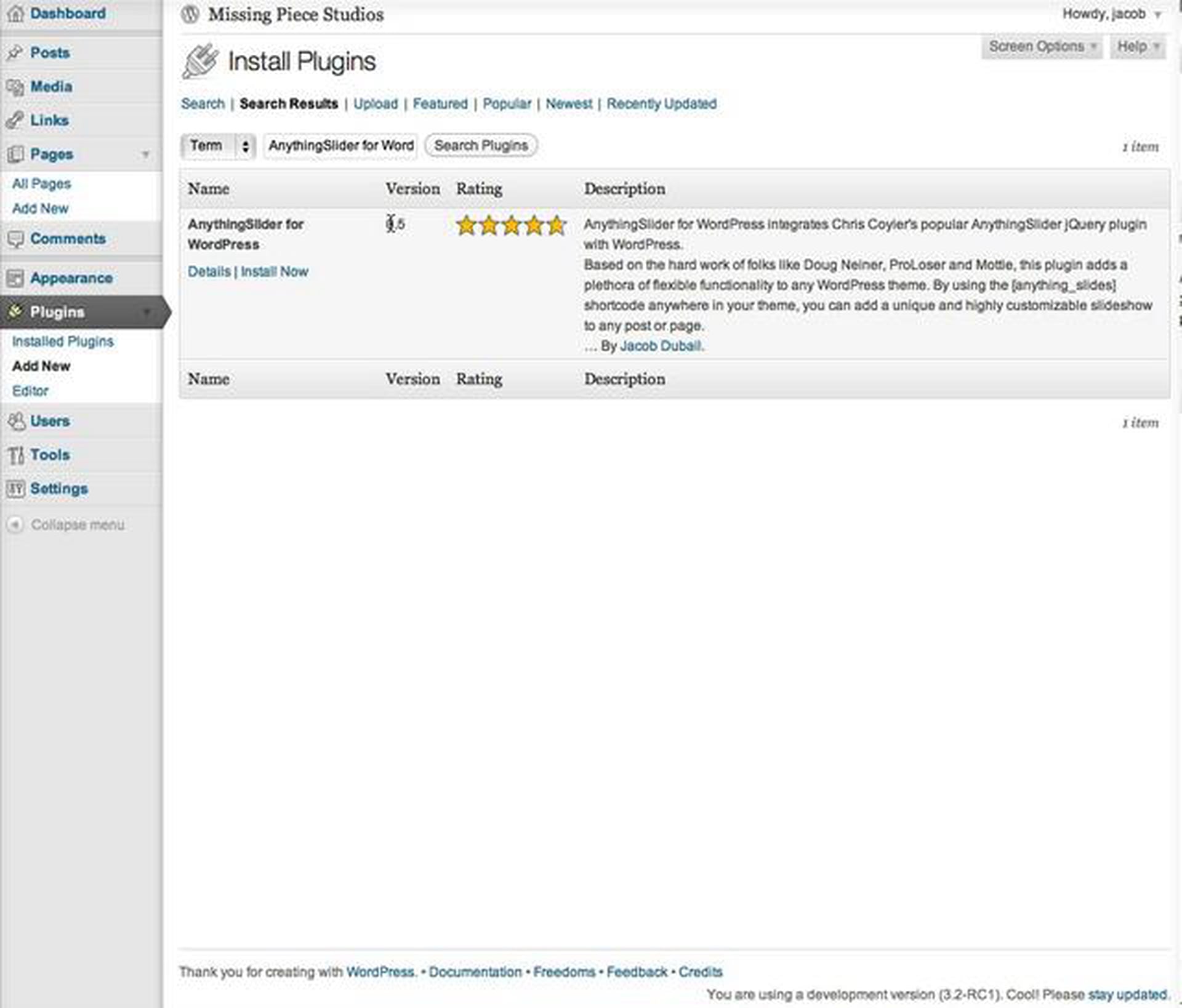
AnythingSlider for WordPress – Getting Started
-
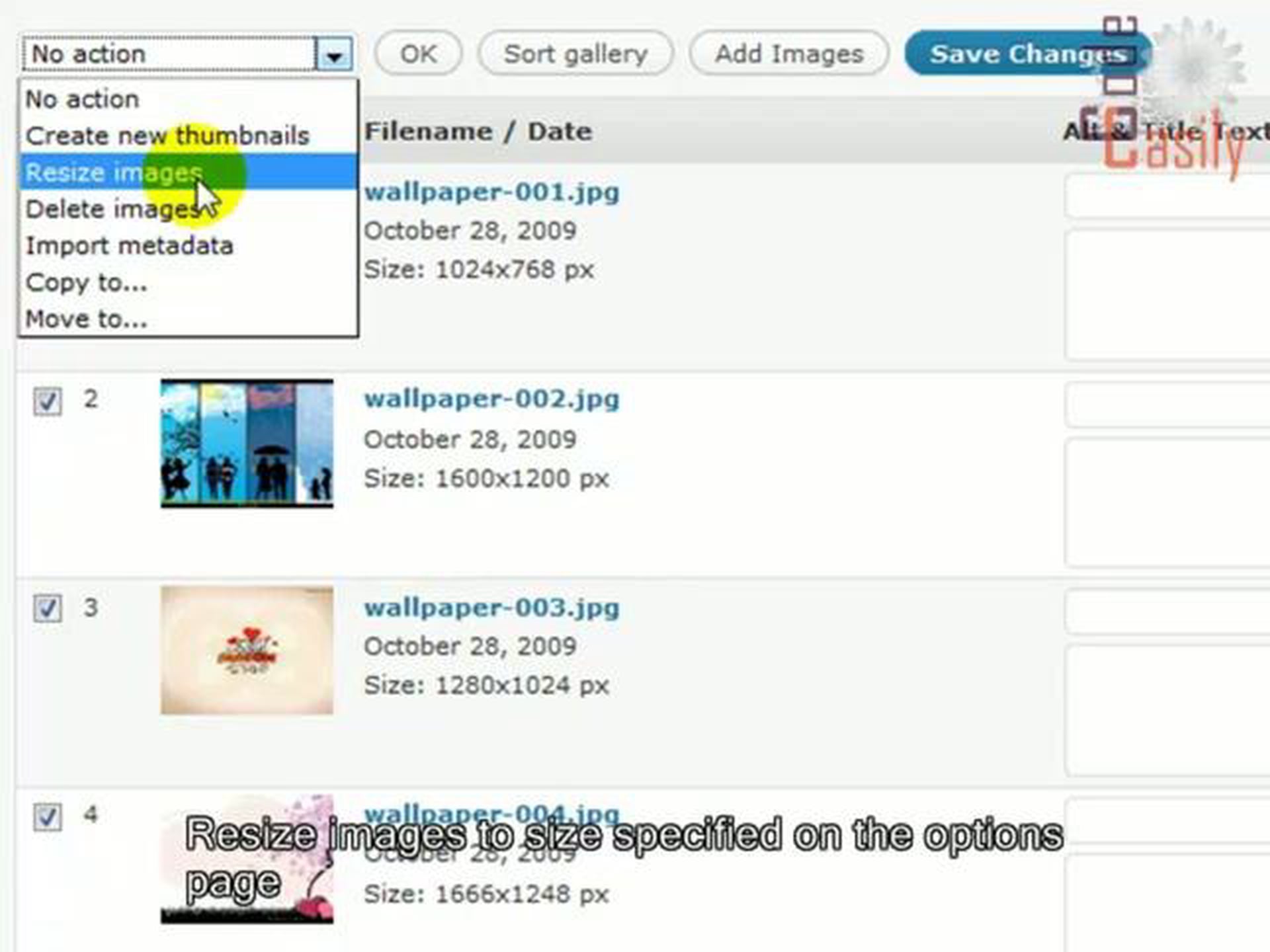
GRAND FlAGallery WordPress plugin tutorial
Are you looking for a better way to manage and display photos on your blogs??? Then you must try this fantastic GRAND Flash Album Gallery plugin. It provides a comprehensive interface for managing photos and images through a set of admin pages, and it displays photos in a way that makes your web site look very professional. You can display galleries with a beautiful flash skins integrated with GRAND Flash Album Gallery.With GRAND FlAGallery you can: upload unlimited number of pictures for your slideshow galleries and albums; customize color of all the user controls and background for embeded flash skin to fit your blog colors; change width and height of flash or leave width 100% to fit your blog; view photo gallery in full screen mode for dramatic presentations; turn on/off image gallery media RSS feed; change role settings for each gallery; copy or move images between galleries; import images from folder and create gallery; easily insert shortcode in post with special button integrated in post editor; create custom thumbnails for image; sort pictures in drag-and-drop way.
Make your blog nicer and your life easier!!! Code easily with codeasily.com
Check out these cool WordPress plugins! – CodeRevolution.