Welcome to part four of my ‘WordPress from scratch’ series! This 4th part covers setting up WordPress’s amazing comment system, getting your pages (pages.php) looking like the rest of your blog, setting up your dynamic highlighting nav’ and more! I’ve also provided code snippets on my blog which would of bored you all to death explaining so copy and paste them at your will. If you’d still like them explaining, I could do a separate post on each snippet, sound good? If so, let me know below.
Check out these cool WordPress plugins! – CodeRevolution.
Tag: your
-
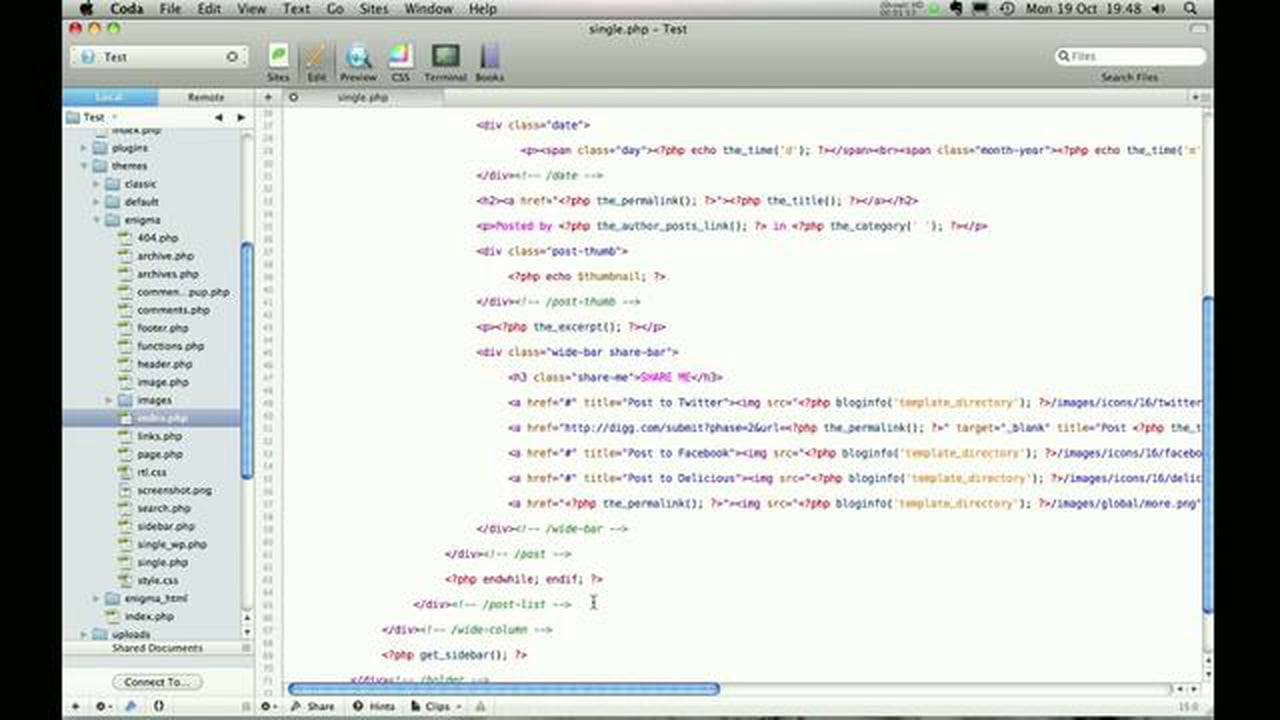
WordPress from scratch : Part 4
-
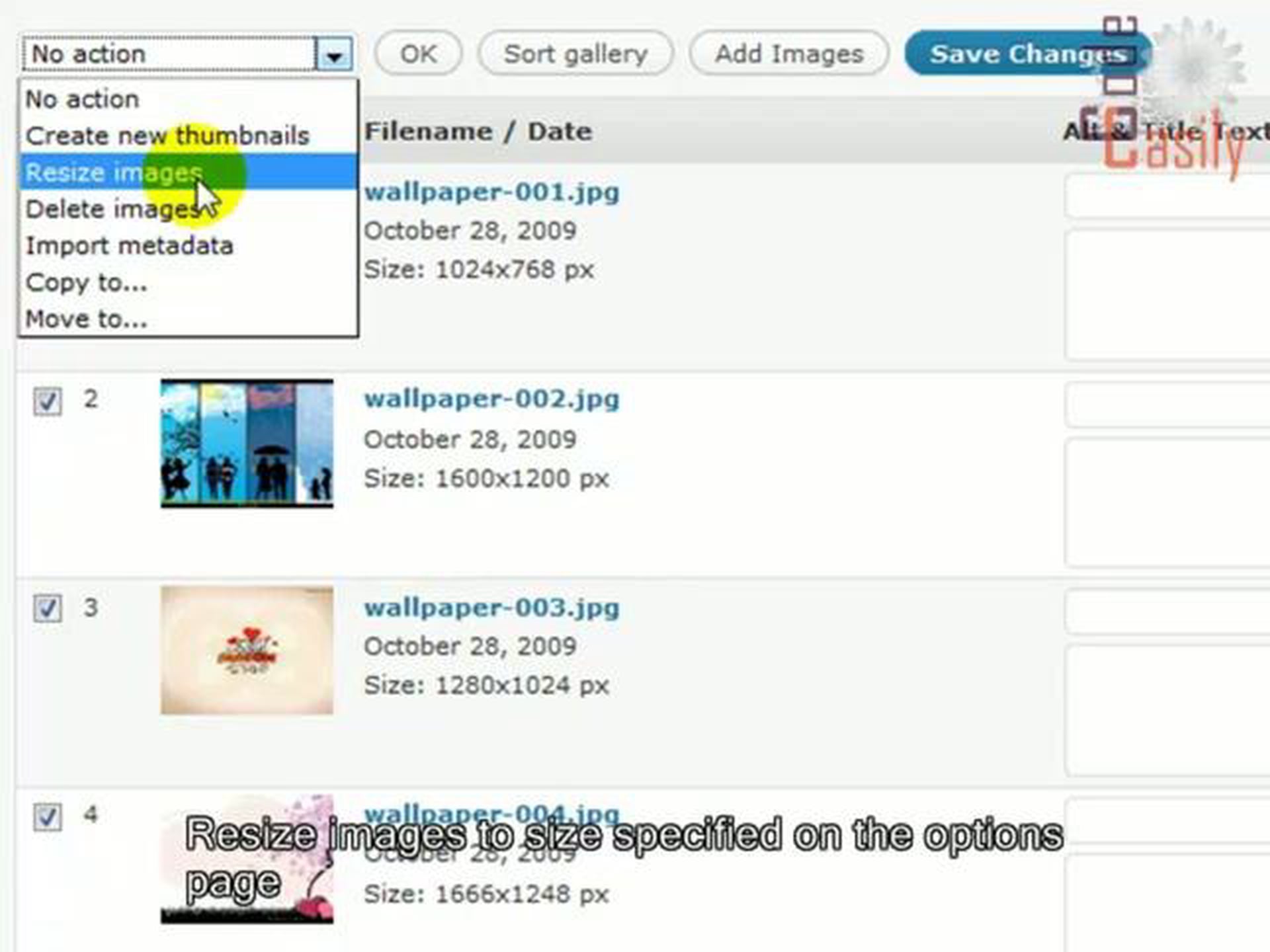
GRAND FlAGallery WordPress plugin tutorial
Are you looking for a better way to manage and display photos on your blogs??? Then you must try this fantastic GRAND Flash Album Gallery plugin. It provides a comprehensive interface for managing photos and images through a set of admin pages, and it displays photos in a way that makes your web site look very professional. You can display galleries with a beautiful flash skins integrated with GRAND Flash Album Gallery.With GRAND FlAGallery you can: upload unlimited number of pictures for your slideshow galleries and albums; customize color of all the user controls and background for embeded flash skin to fit your blog colors; change width and height of flash or leave width 100% to fit your blog; view photo gallery in full screen mode for dramatic presentations; turn on/off image gallery media RSS feed; change role settings for each gallery; copy or move images between galleries; import images from folder and create gallery; easily insert shortcode in post with special button integrated in post editor; create custom thumbnails for image; sort pictures in drag-and-drop way.
Make your blog nicer and your life easier!!! Code easily with codeasily.com
Check out these cool WordPress plugins! – CodeRevolution. -

SEO & Social Marketing for WordPress 4: Increase Web Traffic
This Beginner SEO Training Course for WordPress takes you on a step-by-step journey which provides you with practical tips that will enable you to achieve and maintain the best search engine results possible for your site.Having Search Engine Optimisation knowledge means that you can do your own SEO. You will be able to respond to changes in the industry and apply changes in your organisation much faster and especially cheaper than if you required to use an external company to do the SEO for you.
In this course you will learn:
Understand the basics of SEO and get best practice information on how to start
Learn how to do Keyword research and identify the correct keywords for your kind of business
Learn how to apply SEO techniques to WordPress
Learn how to catch your visitors attention and implement these tips into your marketing strategy
Implement tools to monitor and review the effectivity of your SEO StrategyAt the end of this course you will:
Know precisely what Search Engine Optimisation is, and how you will be able to make it work for your business
Know what you need to do to rank your website in search engines and look for for relevant keywords
Be able to apply your SEO strategies on your WordPress websiteTake this course now to optimise your website. Encourage people, increase your sales and create a steady income from your site!
Check out these cool WordPress plugins! – CodeRevolution. -
Adding the WordPress Widget to Your WordPress Site
This video will assist you in adding the AWeber webform widget to your WordPress-powered site or blog.Create profitable customer relationships for your business! AWeber’s email marketing software makes it easy for you to build your email list and stay in touch with prospects.
Find out why so many small businesses trust our email marketing software to deliver the best results for any size email marketing campaign. Start Your 30-day Free Trial Now at www.aweber.com
Check out these cool WordPress plugins! – CodeRevolution. -

Free WordPress Google Fonts Plugin: Easy Google Fonts
This is a demonstation video for our free plugin that is available for WordPress. You can find it here: http://wordpress.org/plugins/easy-google-fonts/Follow us on twitter: https://twitter.com/titaniumthemes
This plugin allows you to take full control of your theme’s typography in any WordPress theme (no coding required).
It allows you to choose from over 600+ google fonts and font variants to insert into your website without coding.
Allows you to preview font changes on your website in realtime using the WordPress Customizer.
Allows you to preview what your theme will look like with the new google fonts before you save any changes.
Check out these cool WordPress plugins! – CodeRevolution.