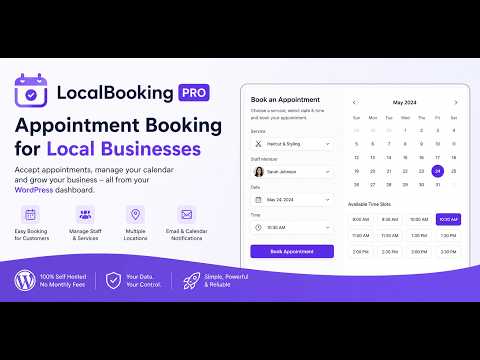
Learn how to set up LocalBooking Pro and start accepting appointments directly from your WordPress website.
Check the plugin here: https://wpbay.com/product/local-booking-pro/
In this video, you’ll see how to install the plugin, create your first booking form, configure services and availability, manage appointment requests, and customize the booking experience for your business.
Whether you run a salon, barber shop, clinic, consultancy, repair service, or any appointment-based business, LocalBooking Pro gives you a complete self-hosted booking solution without monthly fees or third-party booking platforms.
In this tutorial:
• Installing LocalBooking Pro
• Creating your first booking form
• Configuring services
• Setting business hours and availability
• Managing bookings
• Email notifications
• Calendar invitations
• Custom fields
• Staff and locations
• Webhook integrations
• Exporting bookings
• WPBay Product Plans overview
LocalBooking Pro keeps everything inside WordPress, giving you full ownership of your customer data and complete control over your booking workflow.
Download LocalBooking Pro on WPBay and start accepting appointments in minutes.